🎲
Monte Carlo simulation
33 distributions, truncation, Monte Carlo or Latin Hypercube sampling, correlations (Iman–Conover), reproducible seeds and precision control. Thousands of scenarios in seconds.
Define assumptions
Monte Carlo simulation, forecasting, optimization and project evaluation on top of your .xlsx files. Free, open source, nothing to install — on Windows, macOS and Linux.

Project-evaluation courses often use Risk Simulator, an Excel add-in that only runs on Windows. If you have a Mac, use Linux or LibreOffice, or simply don't have a licence, you are left without a tool for the risk analysis of your project.
OpenRiskSim fixes that: it is a free web application that reproduces the Risk Simulator workflow — assumptions, forecasts, run, certainty, tornado — on your own .xlsx files, right in the browser.
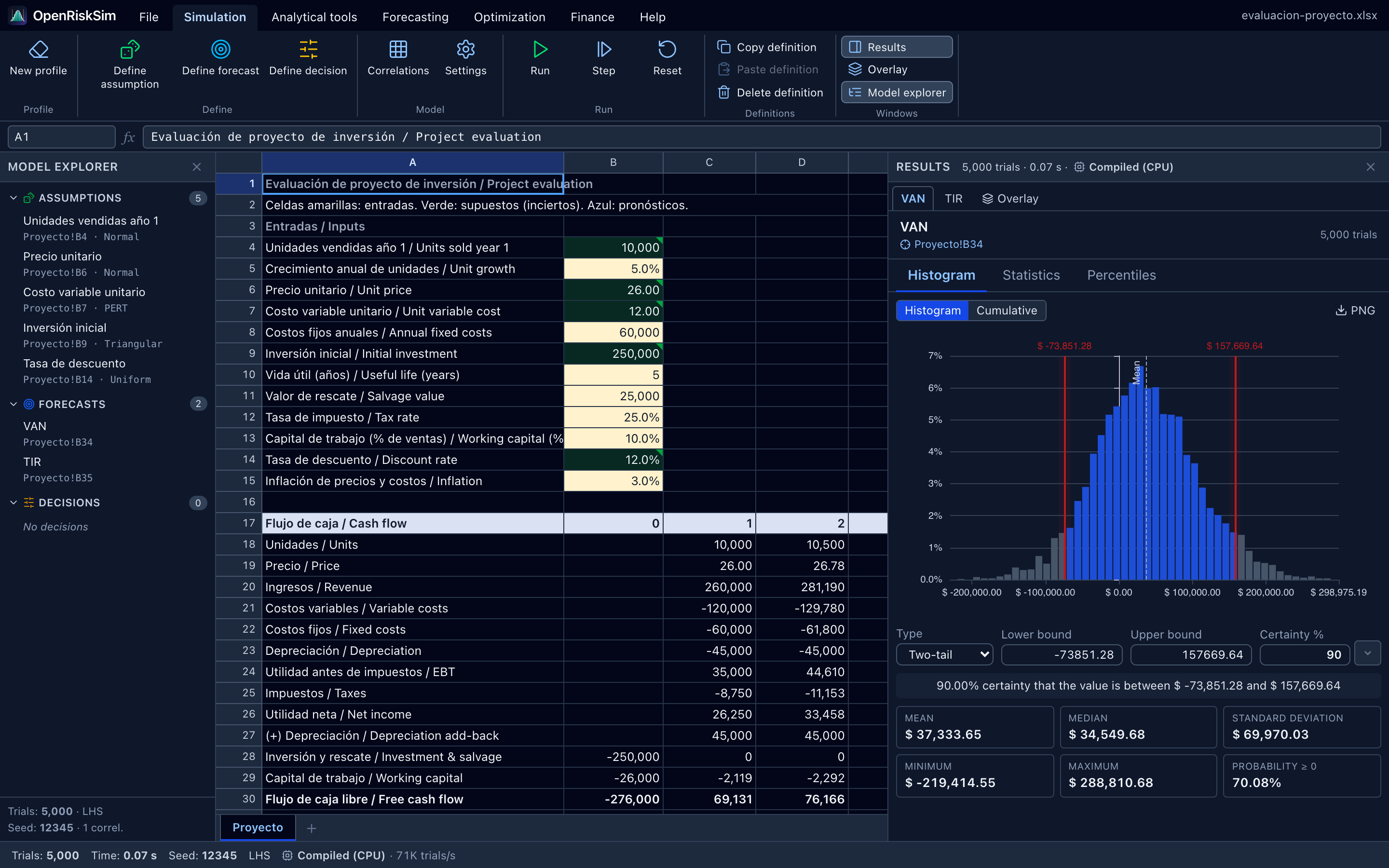
File → Open) or an example (File → Examples).First time?
Follow the 5-minute quick start with the bundled example, then the full project-evaluation tutorial, written like a course assignment.
Risk Simulator, @RISK and Crystal Ball are trademarks of their respective owners; OpenRiskSim is not affiliated with them.